Skitify blog
Ideas, guides
and what is new
Guides, ideas and updates on making short AI videos with Skitify, from the first prompt to the final cut.
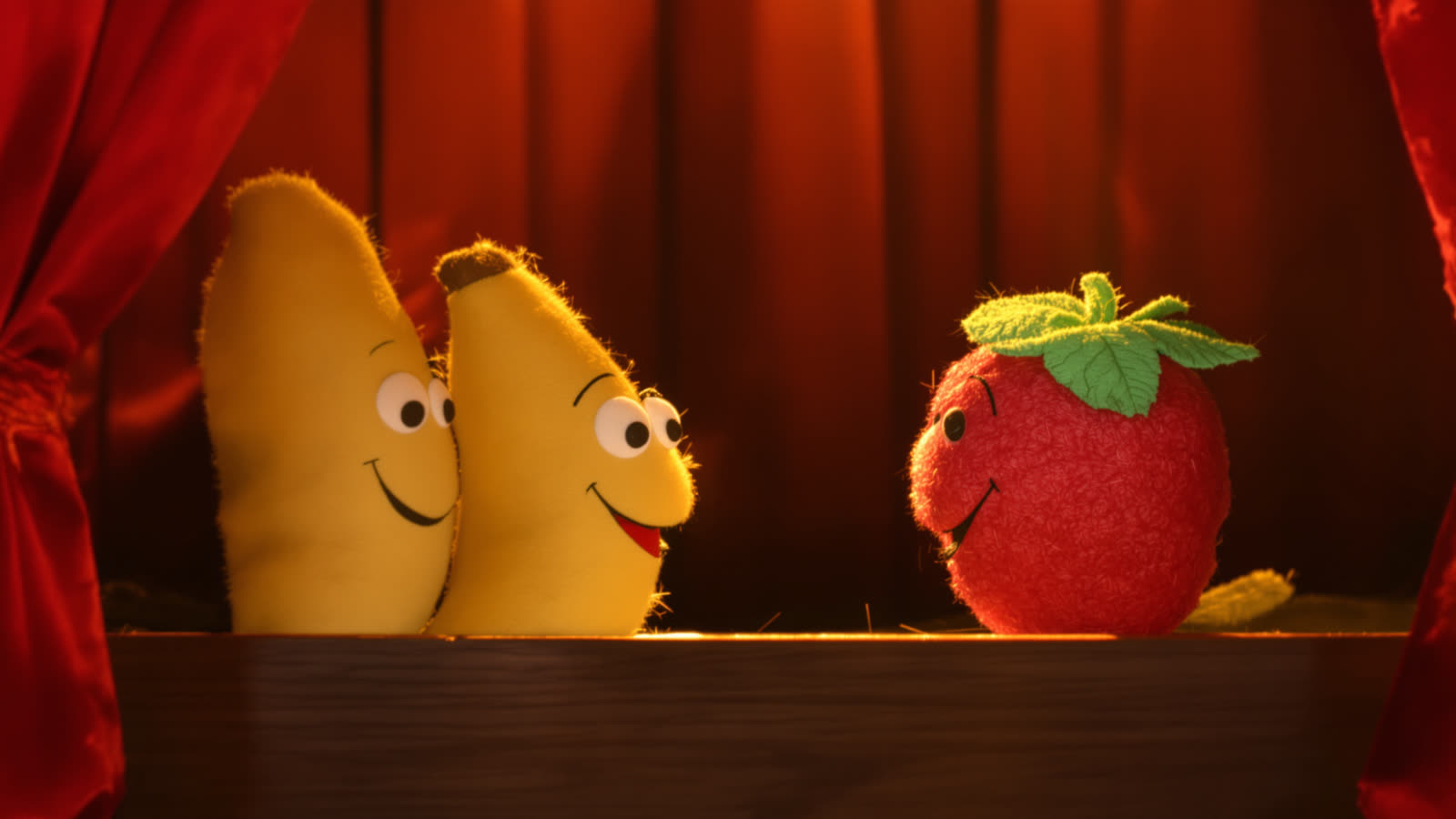
Make your characters talk: @mentions in Skitify prompts
Write dialogue scenes with consistent AI characters. Attach a photo or an object for each one, mention them with @ in the prompt and Skitify does the rest.
Read article →
Objects keep your characters consistent
Keep the same character, pet or product in every AI video scene. Save a few photos as an Object in Skitify and mention it by name in your prompt.
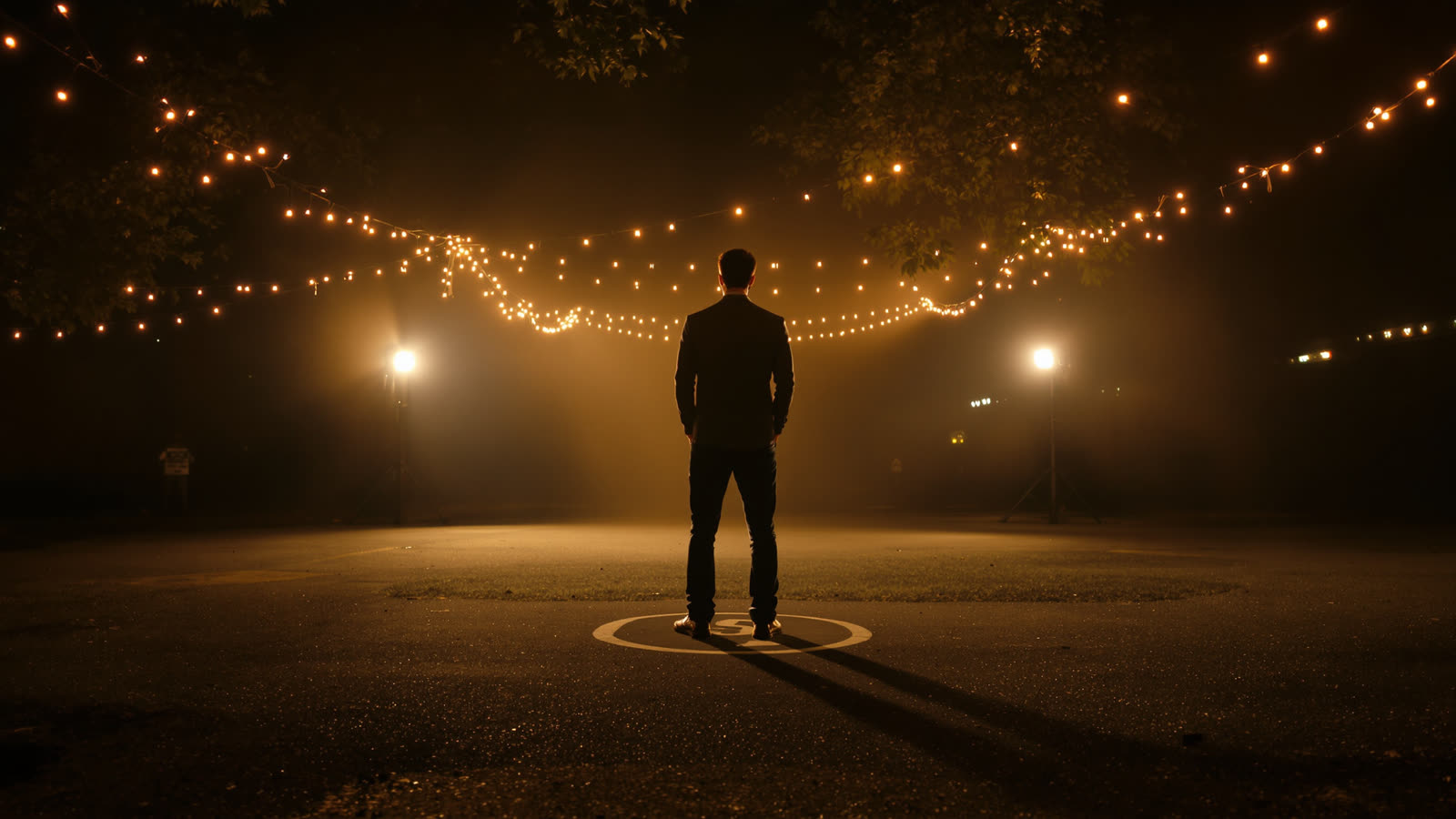
Takes: redo one scene without starting over
How takes work in Skitify: make a new version of one scene with the same prompt and materials, compare versions and swap them without losing your edit.
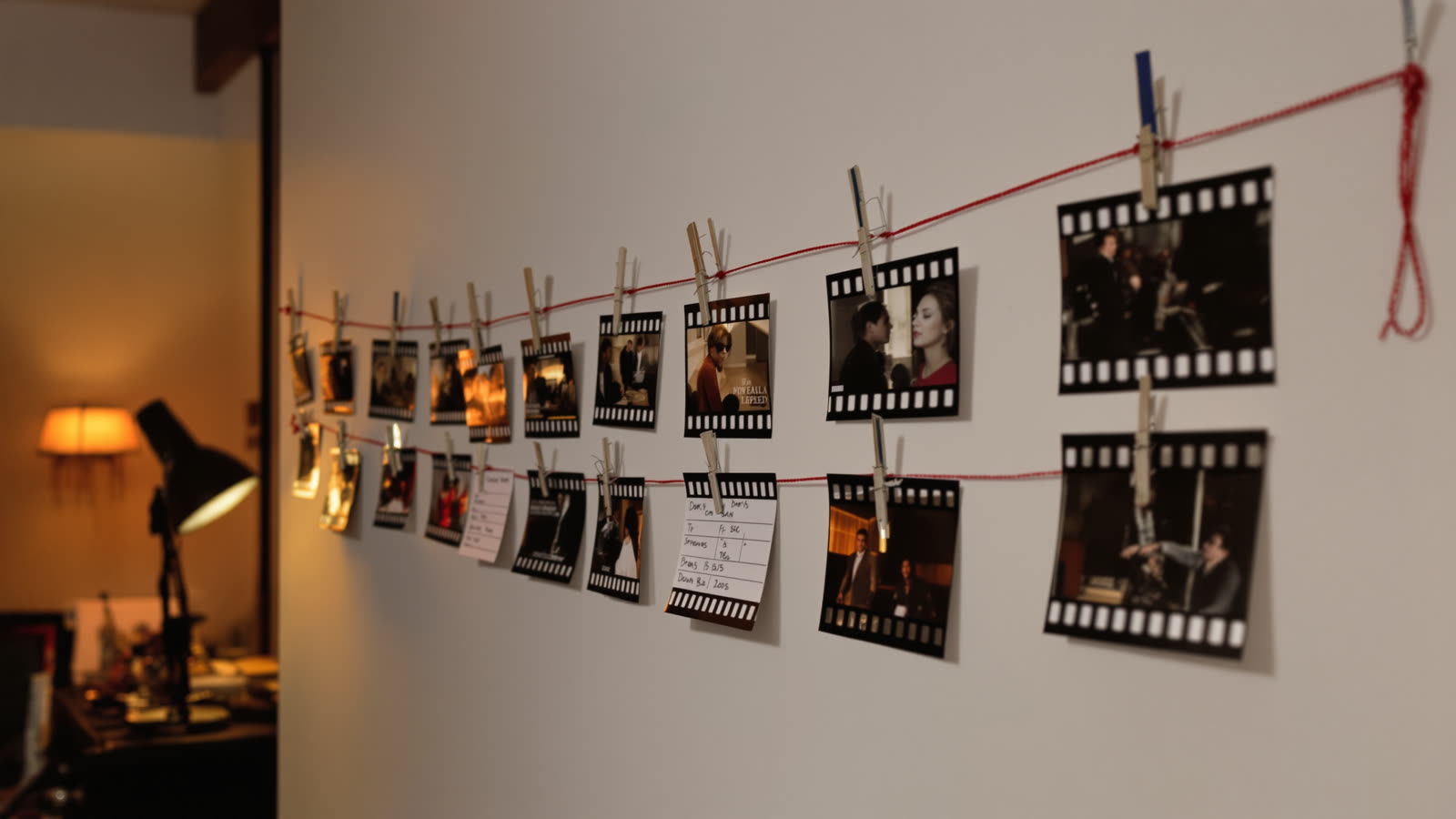
Start frame, end frame or reference: what each picture does
When to use a start frame, an end frame or a reference image in AI video generation, and which models in Skitify accept reference video and audio.

Five Skitify models just got cheaper
Seedance 2.5, Kling 3.0, Kling 3.0 Omni, Gemini Omni 1.1 Flash and Nano Banana Pro now cost fewer credits in Skitify. See the new prices.
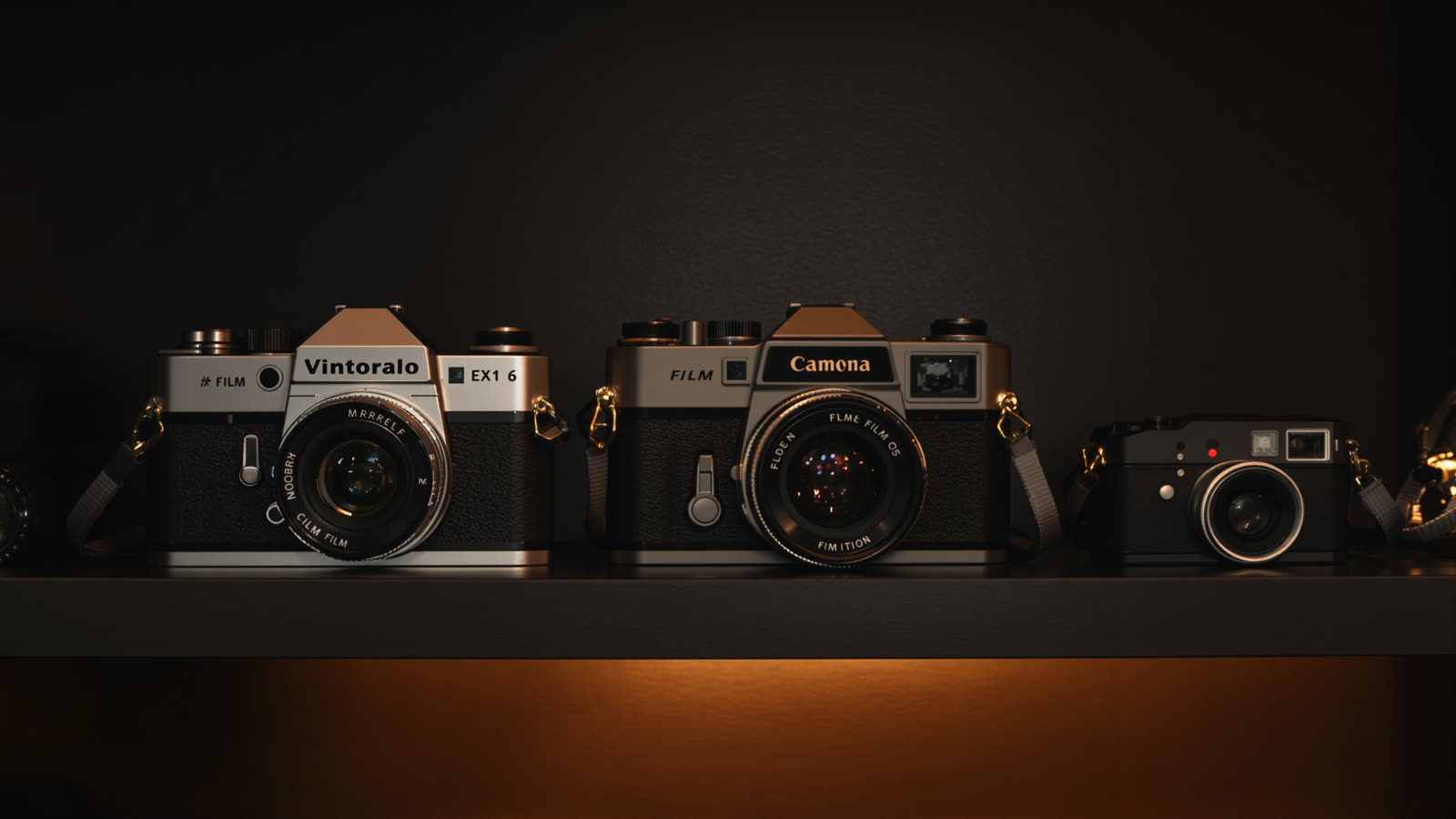
Which AI video model should you use? A practical guide
A practical comparison of the AI video models in Skitify: Seedance 2.0 and 2.5, Kling 3.0, Veo 3.1, Sora 2 and budget options, with tips on when to use each.
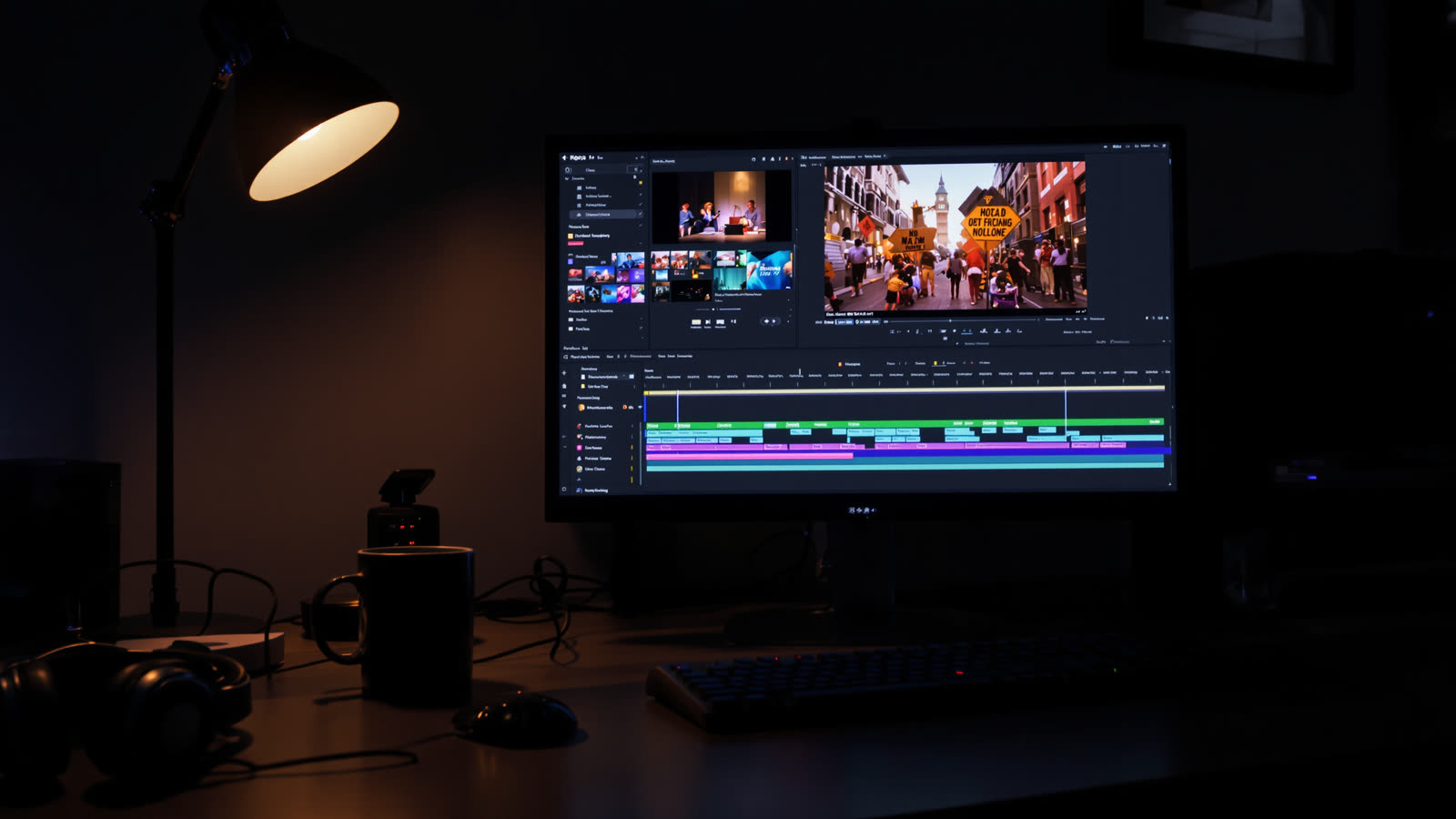
From scenes to a finished video: editing in Skitify
Turn AI generated scenes into one finished video: trim clips, reorder scenes, add transitions and subtitles, swap takes and export in 1080p with Skitify.
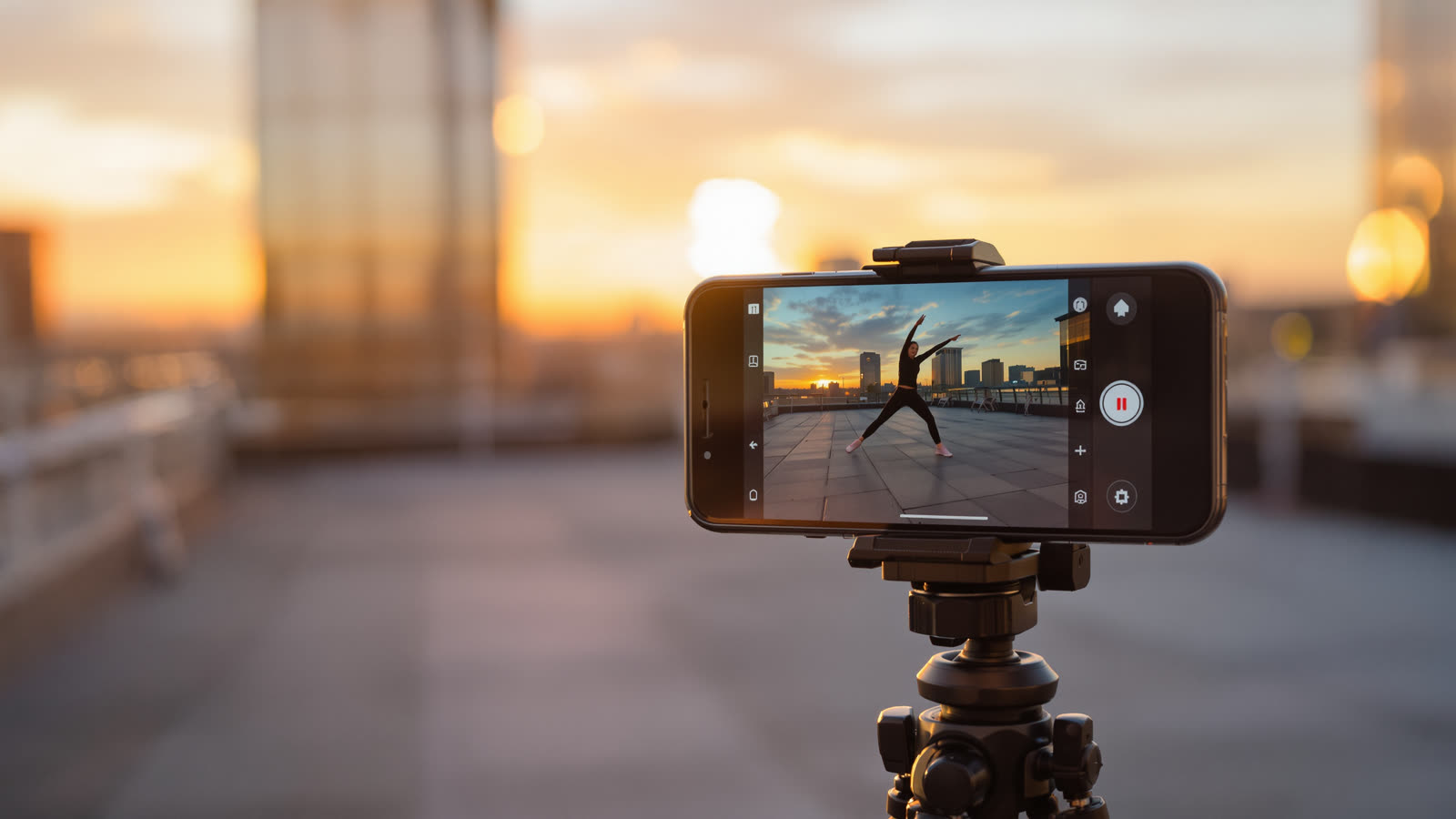
Vertical AI video for TikTok, Reels and Shorts
How to make vertical AI videos for TikTok, Instagram Reels and YouTube Shorts: choosing 9:16, framing for a phone, start frames and the ideal length.
Kling 3.0 is here
Kling 3.0 is in Skitify: cinematic AI video up to 15 seconds, smooth camera moves, start and end frames and sound you can switch off.
How to write a prompt that works
Five simple habits for better AI video prompts: subject first, one action, a camera move, light and style, and short concrete words. Examples included.

Top up and keep creating
How paying for AI video works in Skitify: token packs that never expire, a monthly subscription, prices shown before you generate and automatic refunds.

How to plan a 15-second skit that actually lands
Three beats, two characters, one joke: a practical structure for very short video, and the timing mistakes that flatten most first attempts.
Steal the format, not the video: how remixing a template works
Formats travel, videos do not. How to take a working short-video structure, swap in your own cast, and end up with something that is yours.
One line in, a script out: what the idea-to-scenes generator does
What happens when you hand a one-line idea to a script generator: how scenes get built, cast and timed, and what you should always fix by hand afterwards.
9:16, 1:1 or 16:9: choosing the frame before you render
Aspect ratio decides composition, not just cropping - and in AI video it is decided before the render. A short guide to picking the right frame per platform.
Burned-in subtitles: when they earn their place in a short video
Most short-form video is watched muted, so subtitles are usually right - but not always. When to burn them in, when to skip, and how per-scene control helps.
Re-roll one clip, keep the rest: takes, the gallery and the timeline
How per-scene re-rolls work, why the take you replaced is still available, and how to swap clips on the timeline without paying to render anything twice.
What an AI video actually costs: tokens, seconds and re-rolls
How token pricing works for AI video: what is free, what is billed per second, why a still preview lowers the bill, and where the money usually leaks.
The @Name script: how to write dialogue an AI video model can act
Tagging speakers, writing voiceover, giving delivery notes and keeping lines short: a practical guide to scripting scenes for AI video generation.

Cast, Scenes, Montage, Export: the four screens behind a finished video
A walk through the whole flow: choose a cast, write scenes, generate clips, cut them on a timeline, export. What each step decides, and what it costs.
How to keep the same character in every scene of an AI video
Text-to-video models redraw your character on every prompt. Here is the workflow that keeps one face, one outfit and one name across a whole short video.