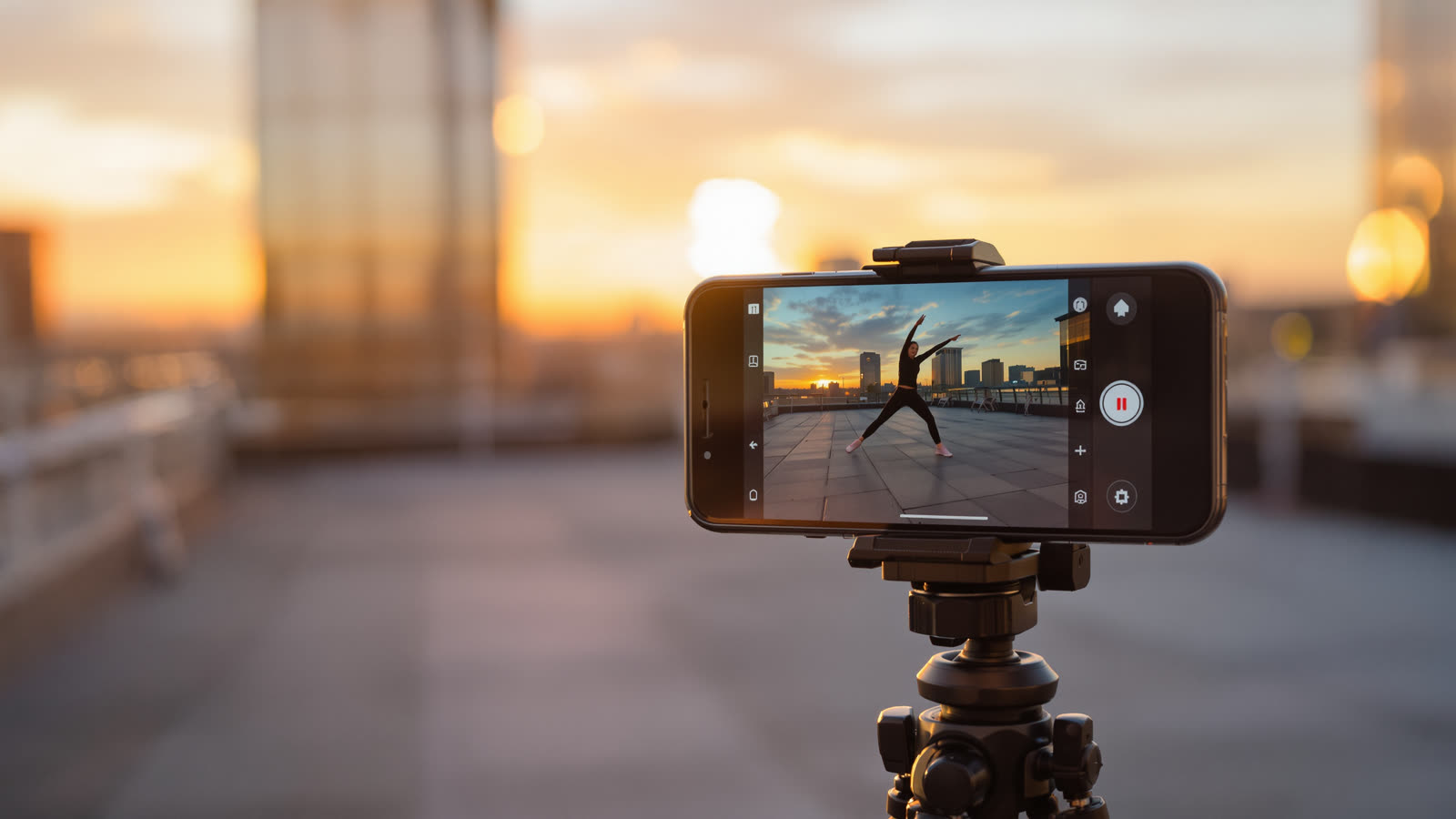
Most short videos are watched on a phone held upright. A clip generated in 16:9 and cropped later loses half of what made it work: heads get cut off, the action drifts out of frame and anything important ends up under the buttons of the app. Making the video vertical from the start is the easiest quality upgrade there is.
Pick the format before the first scene
In Skitify the frame is set per project. Choose 9:16 in the composer settings when you make the first scene and every next scene follows it, so you never end up with a mix of shapes in one video. 9:16 is the default, because that's where most people post.
Frame for the phone, not the cinema
- Keep the subject in the middle. TikTok and Reels put captions, buttons and your profile name along the bottom and the right edge.
- Go closer than you think. A medium close-up reads well on a small screen. A wide landscape rarely does.
- Use vertical movement. A tilt, a camera rising up a building or a character walking toward the lens all feel natural in a tall frame.
Start frames and the shape of the picture
If you attach a start frame, its shape matters. Skitify crops it to the format of your project before sending it, so a landscape photo won't get squeezed, but you get the best result when the subject is already near the centre.
How long should it be?
For Shorts and Reels, 15 to 30 seconds is the sweet spot. That's three to six scenes of 5 seconds each, cut together in the editor. Start strong, because the first second decides whether people keep watching.