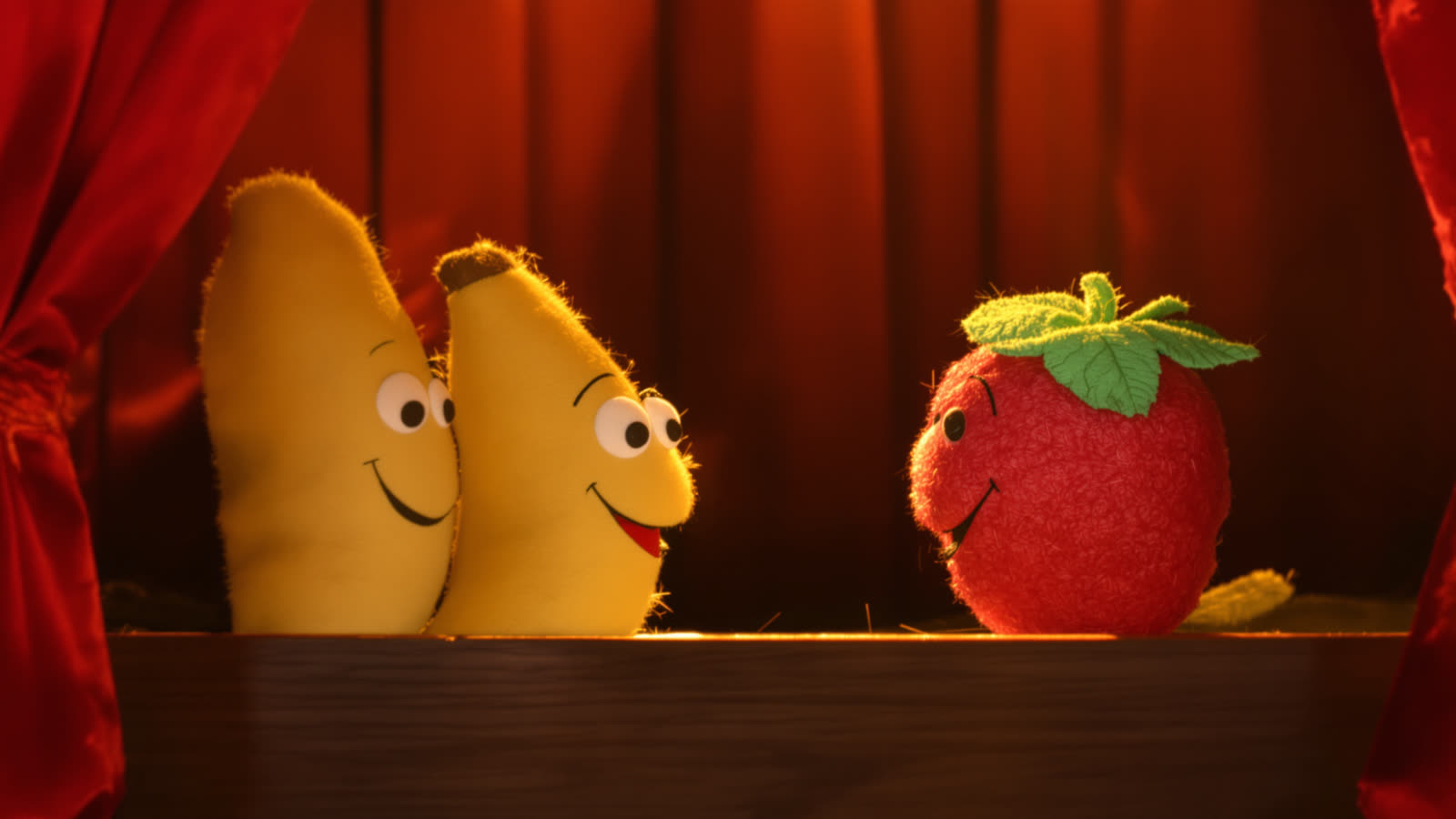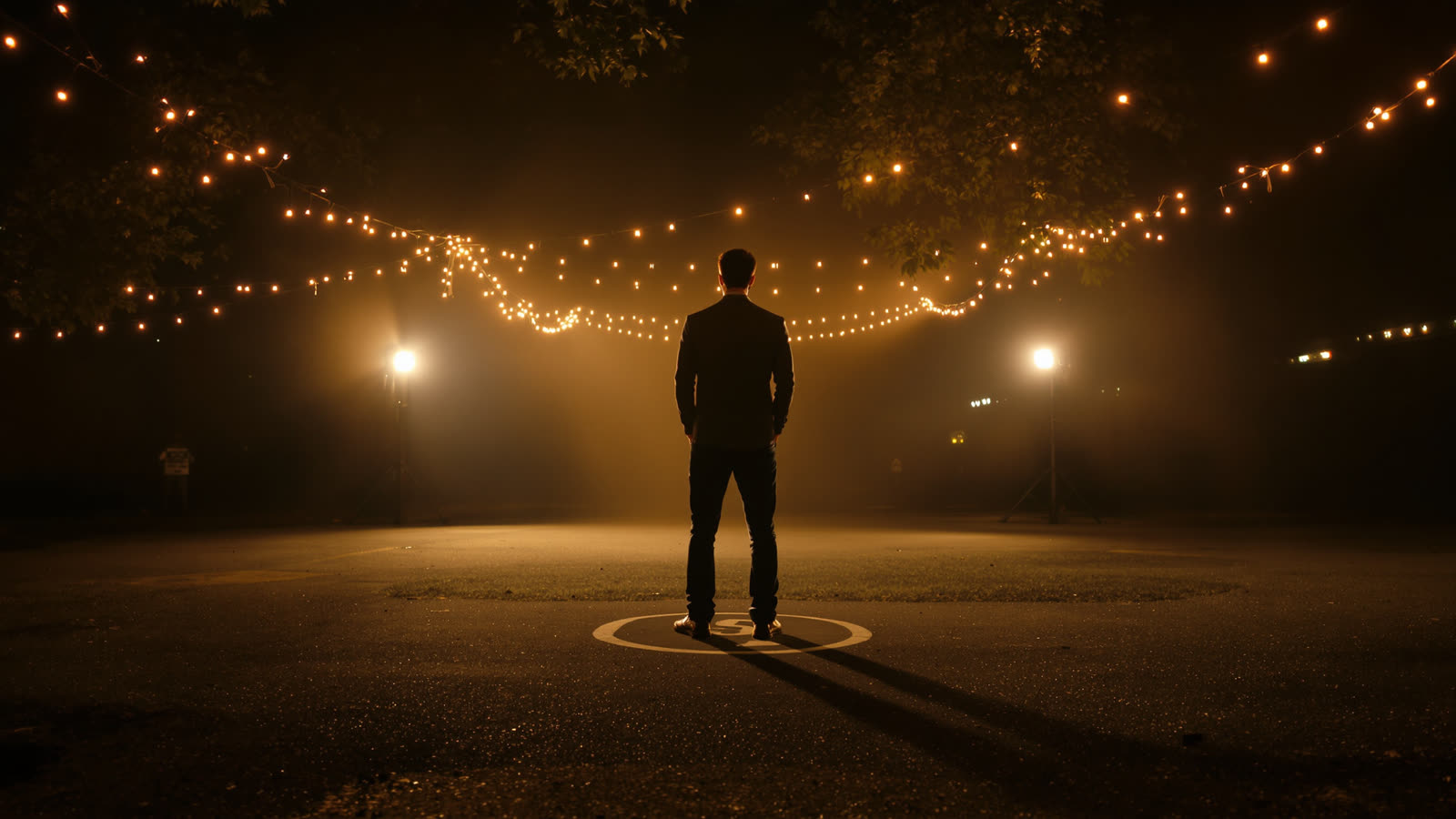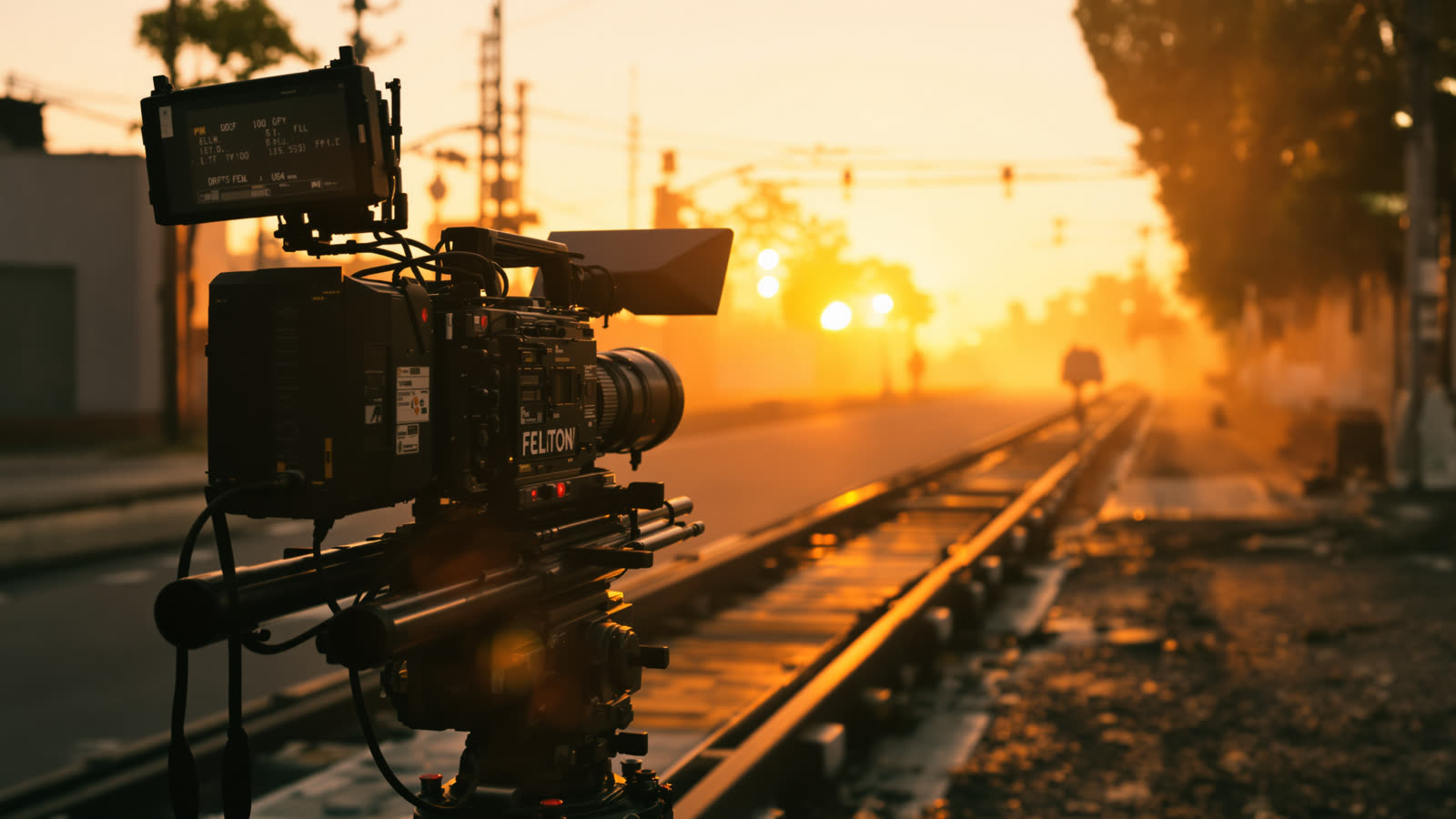
Kling 3.0 is now available in Skitify. It's the model to reach for when a shot has to feel filmed rather than generated: steady motion, believable physics and clips long enough to hold a whole moment.
What's new
- Up to 15 seconds in one take. Enough room for a full action, not just its first beat.
- Sound you can switch off. Kling 3.0 can add ambience and effects. Turn them off when you plan your own music or voice-over.
- Better motion. Hair, cloth and water move the way they should, and camera moves stay smooth from the first frame to the last.
- Start and end frames. Attach a still as the first frame and the video continues from it. Add a last frame too and Kling travels between the two.
How to use it in Skitify
Open the model picker in the composer and choose Kling 3.0. Pick the shape (9:16 for phones, 16:9 for a big screen), the length and whether you want sound. The price is on the Generate button before you press it, and a generation that fails is refunded automatically.
When to choose it
Kling 3.0 shines on slow, cinematic shots: a camera pushing in on a face, a drone gliding over a valley, a product turning in soft light. For quick ideas a lighter model costs less. Switch to Kling 3.0 once the shot is right and you want it to look its best.
Write the camera into the prompt. "Slow push-in", "handheld" or "orbit around" are followed remarkably well by Kling 3.0.