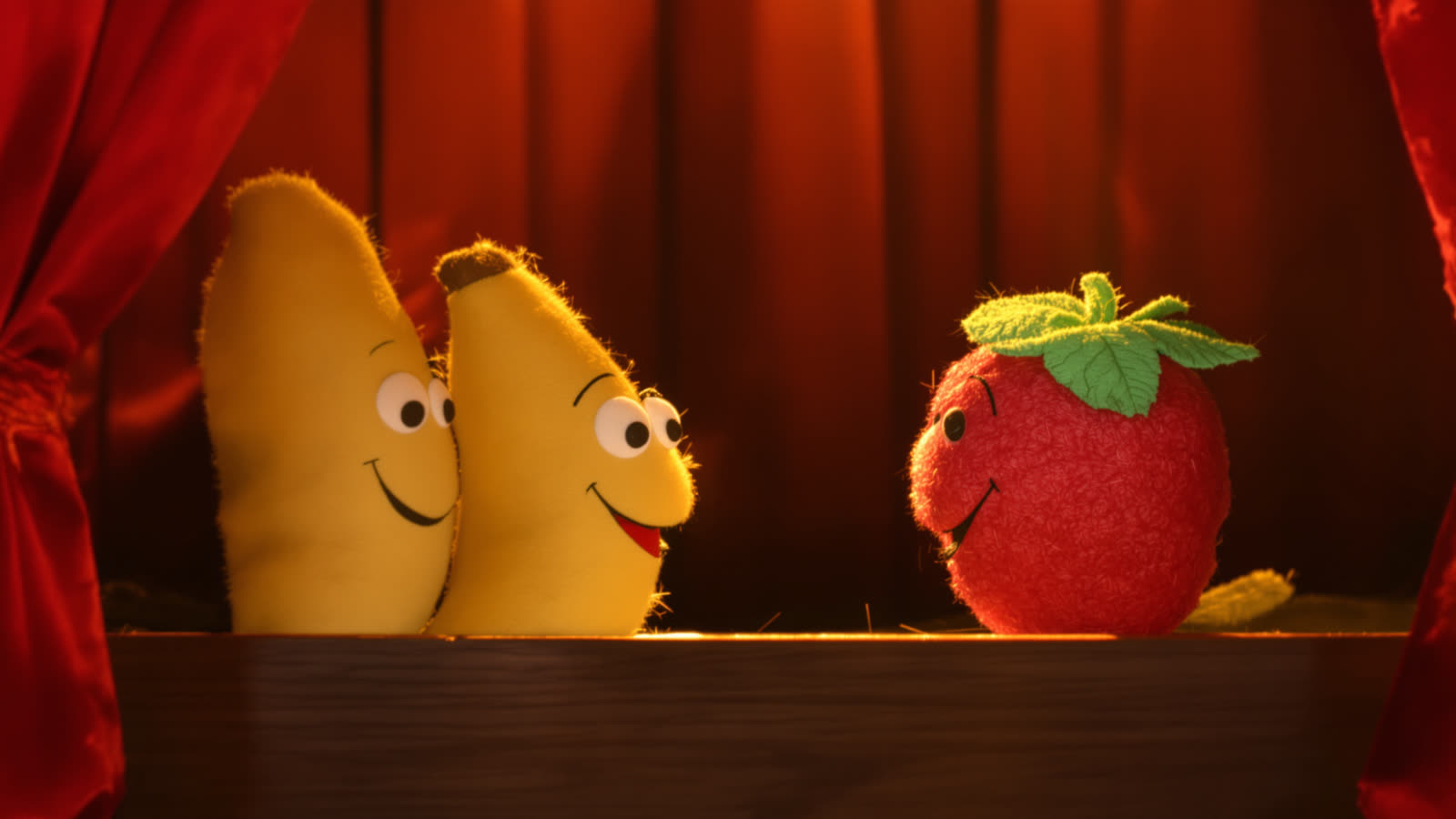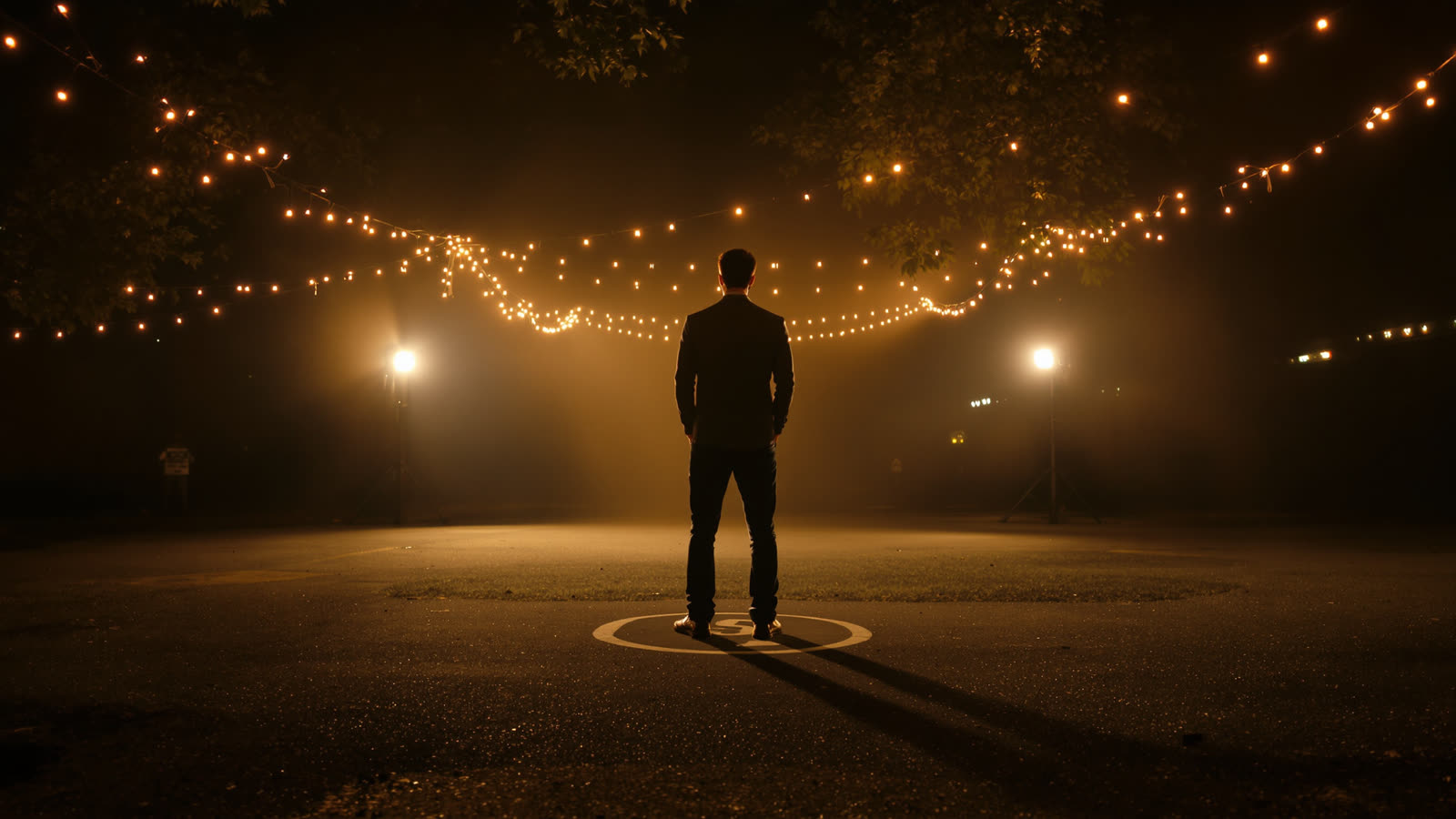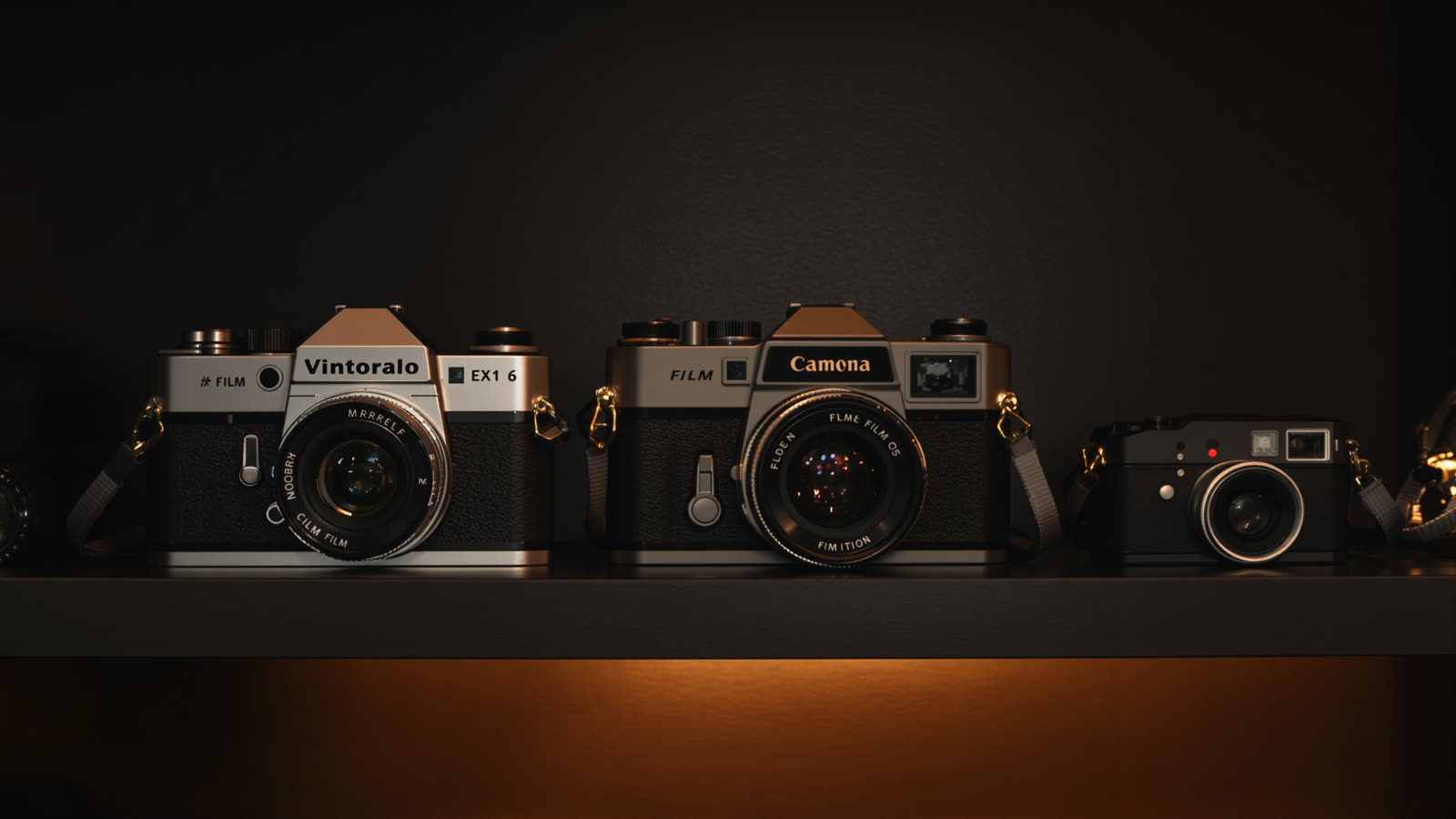
Skitify gives you the leading AI video models in one place, priced in the same tokens and controlled from the same composer. That's handy, but it raises an obvious question: which one should you pick for this particular shot? Here is how we think about it after a lot of test runs.
Seedance 2.0: the everyday choice
If you're not sure, start here. Seedance 2.0 handles people well, moves smoothly and takes the widest range of materials: a first and last frame, up to 9 reference images, reference videos and audio. Seedance 2.0 Fast is the same model at a lower price, capped at 720p, and great for trying ideas.
Seedance 2.5: longer clips, more references
Clips of up to 30 seconds and up to 30 reference images make it the model for scenes with several recurring characters, or for one continuous shot that would otherwise need cutting.
Kling 3.0: when it has to look filmed
Kling is our pick for camera work. Slow push-ins, orbits and handheld movement come out steady and believable, and sound is optional. Kling 3.0 Omni adds up to 7 reference images for characters and props.
Veo 3.1 and Sora 2
Google's Veo 3.1 produces rich, detailed footage with sound in 4, 6 or 8 second clips. Sora 2 from OpenAI is strong at physical, realistic motion. Both can start from a picture you attach.
The budget options
P-Video has a draft quality that's perfect for blocking out a story cheaply before you spend more on the final take. Grok Imagine Video is quick and affordable too, and it can edit a short clip you already have.
How to decide in practice
- Sketch with a cheaper model, then redo the scenes you keep on a better one. Takes make that painless.
- Same characters across scenes? Pick a model with references: Seedance or Kling 3.0 Omni.
- A specific camera move? Kling 3.0.
- Dialogue with voices? Turn sound on with Seedance, Kling or Veo.
The price of every option is on the Generate button before you press it, and a generation that fails is refunded automatically.