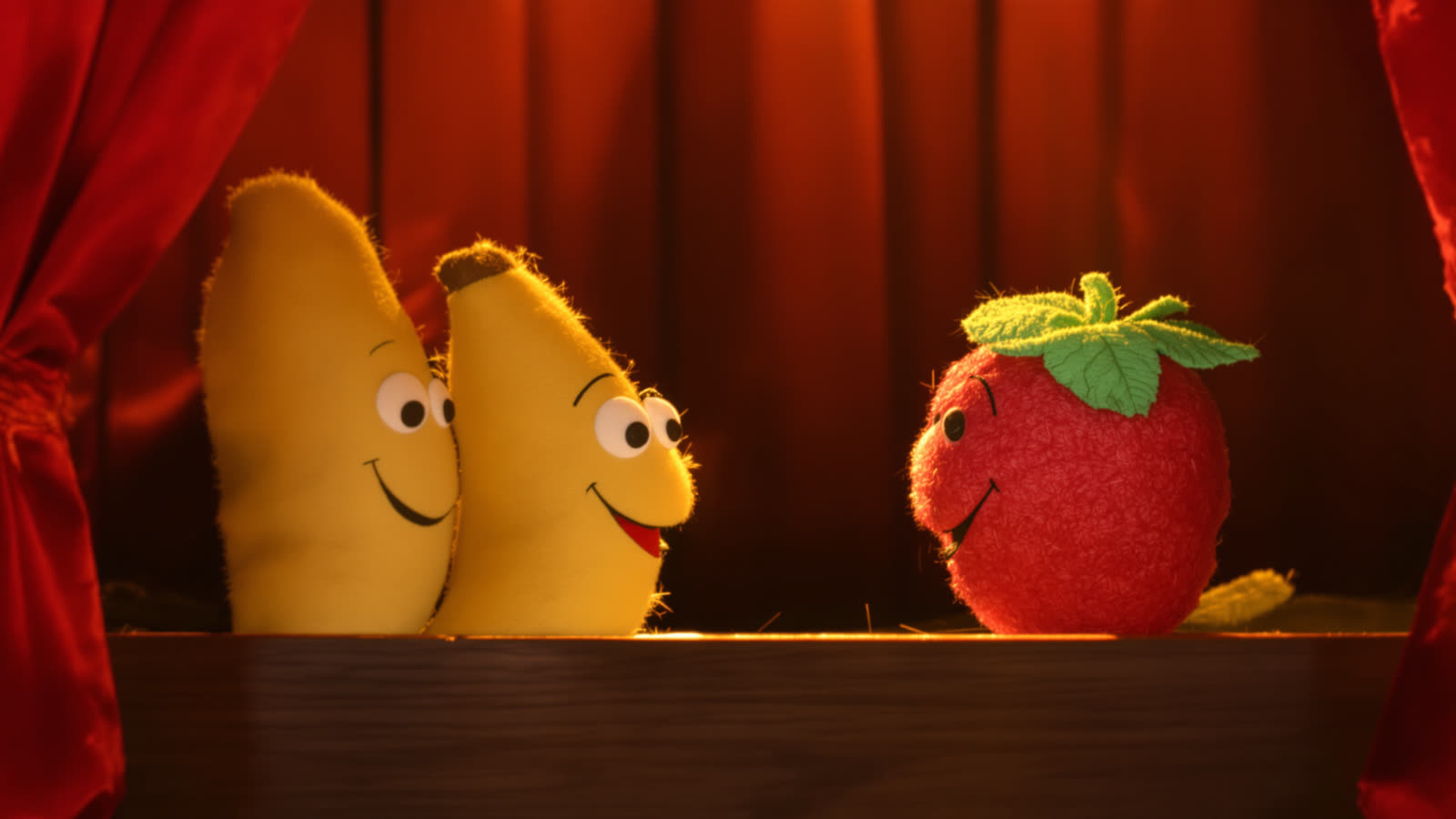
If you have tried to make a short video with a text-to-video model, you already know the failure. Clip one: a strawberry in a pink dress. Clip two: a slightly different strawberry, now in red, and about four years older. Clip three: apparently a tomato. Every clip is fine on its own. Together they are not a video, they are three stills of three different characters having unrelated moments.
The instinct is to fix it in the prompt - to describe the character harder. More adjectives, a fixed colour, a repeated phrase copied from clip to clip. It helps a little and then stops helping, because you are asking a model to reconstruct a person from a paragraph, twice, and expecting the two reconstructions to match. They will not. Not reliably, not across a whole video, not with the small differences an audience notices immediately: eye shape, hairline, how far apart the freckles are.
Cast a character, do not describe one
The workflow that actually holds is to stop describing and start casting. Build the character once - from a photo you upload or a prompt you write - and save it. From then on it is an object with a name, a look and a personality, and you put it into a scene by picking it off a list rather than by writing it out again.
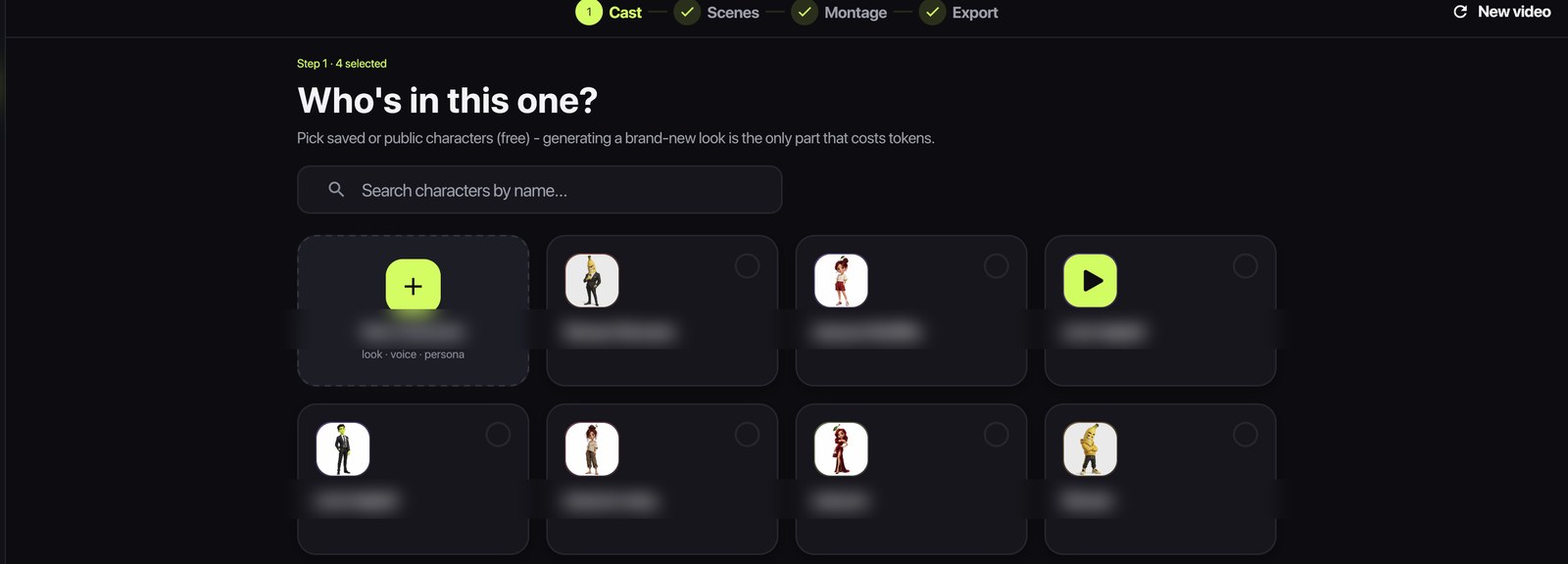
This is the first of the four steps in Skitify, and it is deliberately the first: the cast is the thing every later step refers back to. A scene does not say "a strawberry in a pink dress", it says @Strawberry Mama, and the render is handed her actual reference image along with the script. The model is no longer inventing a character from a description. It is animating a specific picture.
Two practical consequences follow, and both are worth planning around.
- A character is worth more the second time you use it. The first look costs tokens to generate; every appearance after that is free. A cast of four you reuse across ten videos is much cheaper than forty described strangers.
- The look is the binding key, so it should be unambiguous. "A large grey turtle in round glasses" survives being handed to a video model. "A cool guy" does not.
Write the scene so the model knows who is speaking
Consistency is not only visual. If two characters are in frame and the script is a wall of dialogue with no attribution, you will get a clip where the wrong mouth moves - and lip-sync landing on the wrong body is the single most obvious tell that a video was generated rather than filmed.
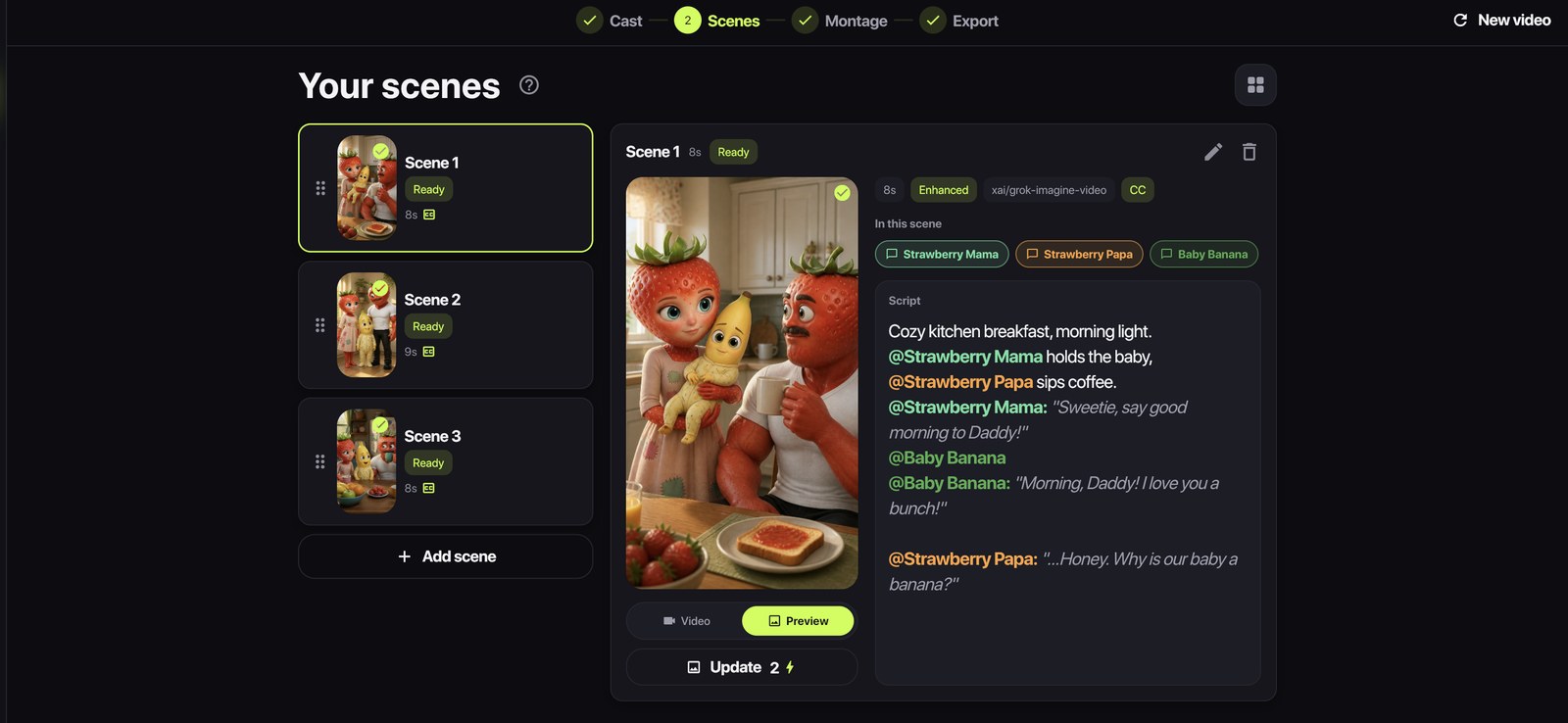
So speakers are tagged. A line that starts with @Name is that character's line, and the render carries the tag through to the model along with the reference image, so the moving mouth and the heard voice belong to the same face:
@Strawberry Mama: "Sweetie, say good morning to Daddy!" @Baby Banana: "Morning, Daddy! I love you a bunch!" @Strawberry Papa: "...Honey. Why is our baby a banana?"
Lock the look before you spend on video
There is one more step that pays for itself, and it is easy to skip because it looks optional: generate a still preview of the scene before you render the clip.
A still is cheap - a couple of tokens - and video is not. More importantly, the still becomes the reference the video model animates, which means the composition you approved is the composition you get. Without it, you are paying for a clip and discovering the framing at the same time. With it, you are paying to move a frame you have already looked at.
In practice this changes how a scene gets built: write the line, make the still, look at it, fix the wording if the still tells you the shot is wrong, and only then generate. The tokens saved by not re-rolling a badly framed clip are worth more than the tokens the still cost.
What still goes wrong
Honesty is more useful than a sales pitch here, so: casting a character fixes identity, not everything. Lighting drifts between clips. A model will sometimes decide your character should be standing when the last shot had them sitting. Long scenes wander more than short ones - which is one of several reasons short scenes cut together better.
What casting does fix is the thing viewers actually notice. The face stays the face. The name means someone. And when a format works, you can run it again next week with the same cast instead of trying to describe your way back to a character you have already lost.