AI video pricing has a reputation for being opaque, and mostly it deserves it: a monthly plan, a credit system nobody explains, and a bill that arrives after you have already generated the wrong thing. So here is the whole thing plainly, including the parts where you can waste money.
The free parts
- Picking characters you or the community already made. Casting is free; only creating a brand-new look costs anything.
- Writing, rewriting, reordering and deleting scenes. Text is free.
- The entire Montage step. Splitting, trimming, reordering, undo, redo, swapping in a different take - all free, because a cut is a list of ranges, not a new render.
- Downloading a video you have already rendered.
That last cluster is the important one. In a tool where editing costs money, you edit less than you should. Here the expensive thing is generation and the cheap thing is judgement, which is the right way round.
The parts you pay for
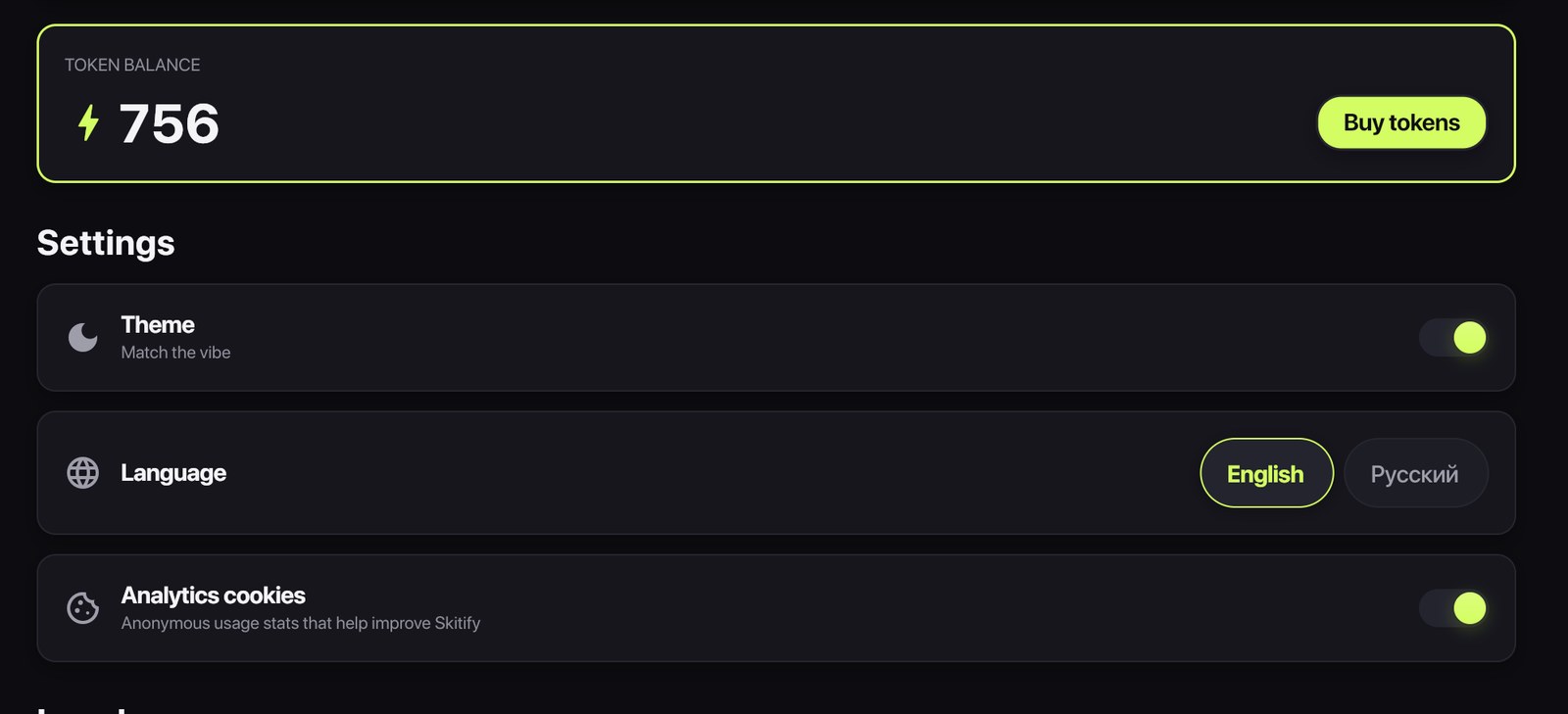
Three things spend tokens: generating a new character look, generating a still preview of a scene, and rendering video.
Video is the big one, and it is billed by the second at the quality tier that scene asked for - Standard, Enhanced or Professional. So a nine-second scene costs roughly three times a three-second scene, and the same nine seconds costs more on Professional than on Standard. The price is computed for your actual scene list and shown on the Generate button before you press it.
Why a still preview saves money
A still costs a couple of tokens. Skipping it can cost you a whole clip.
Two reasons. First, the obvious one: a still shows you the framing before you pay for motion, and about a third of the time it tells you the script needs one more word. Second, the less obvious one: the still is handed to the video model as the reference for that shot, so the composition is decided by a frame you approved rather than re-invented at render time. Locking the look up front raises the hit rate, and a higher hit rate is fewer re-rolls.
Where the money actually leaks
Not on the price list - in the habits. Four common ones:
- Pinning scene length by hand. A five-word line on a five-second scene is two seconds of nothing, billed by the second. Auto follows the dialogue.
- Rendering the whole video to check one scene. Generate a still first, or re-roll that one scene rather than everything.
- Professional on every scene by reflex. Use it on the scene the viewer looks at hardest; the reaction shot in the middle rarely needs it.
- Re-rolling because a clip felt wrong. Look at the take gallery first - the version you replaced is still there, and going back to it is free.
Re-rolls, and what happens to the old take
A re-roll regenerates one scene's clip and costs that scene's price again. It does not touch the rest of the video, and it does not delete what it replaced: the previous take is archived and stays in the project's gallery, where it can be dragged back onto the timeline for nothing.
This is worth internalising, because it changes the economics of trying things. The question stops being "is this worth risking the video for" and becomes "is this worth one scene". You keep the good take either way.
The short version
Casting is free, text is free, editing is free. Stills are cheap and pay for themselves. Video is billed per second per tier, and every price is on the button before you press it. If you want one habit to keep the bill low: make the still, read the still, then render.