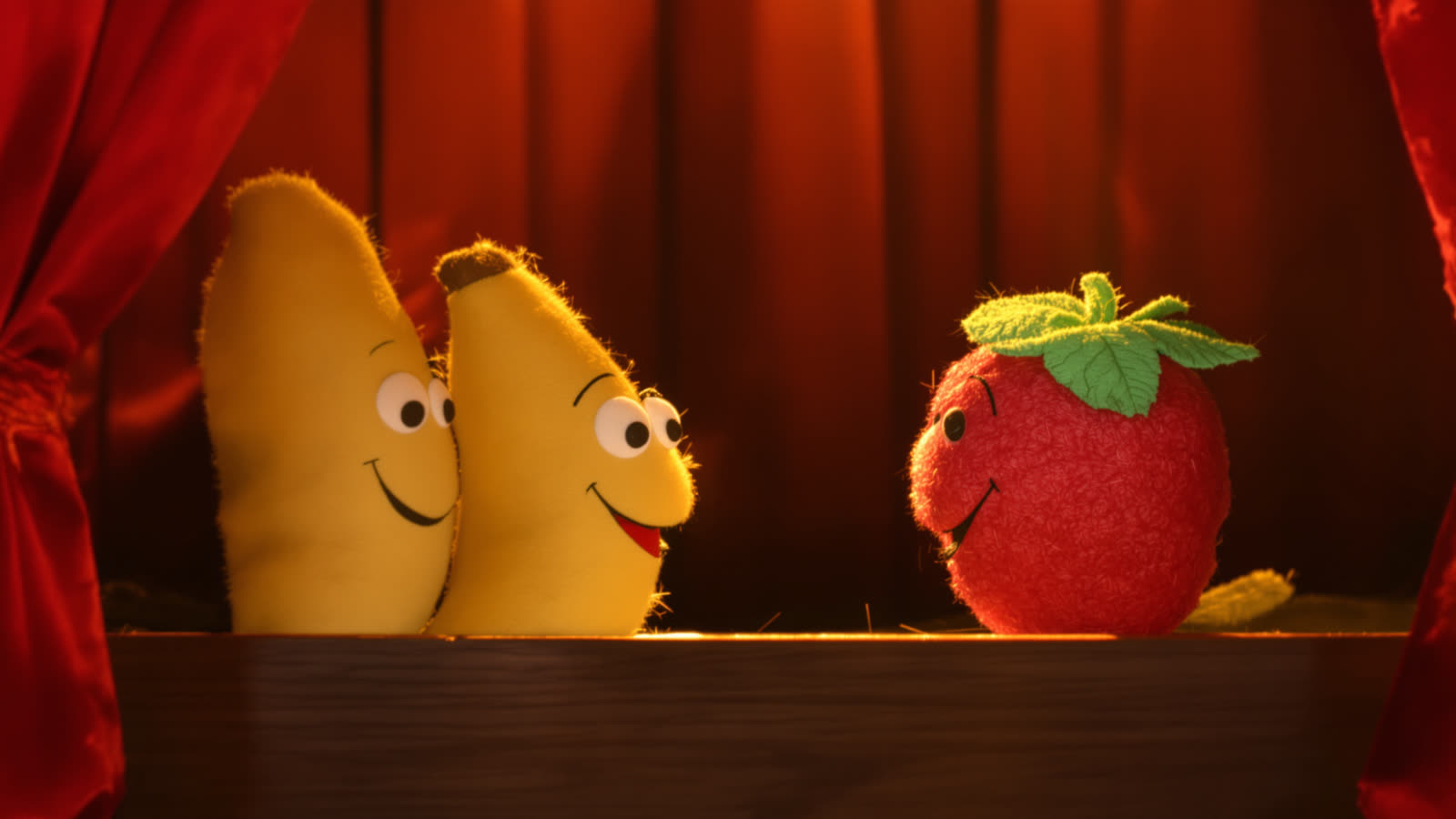
When you attach a picture to a video in Skitify, the model needs to know what the picture is for. Is it the exact first frame of the clip? The frame the clip should end on? Or a reference that shows a character or a style without being copied pixel for pixel? These are three different jobs, and picking the right one changes the result more than any adjective in your prompt.
That's why the + button in the composer asks first. It lists only what the selected model can take, with a short note on each option, and tells you when two things can't be combined.
Start frame
The video begins exactly on this picture and moves on from there. Use it when the composition matters: a product shot you already like, a still from your last scene, a character standing in a specific pose. In a project, Skitify adds the last frame of the previous scene as the start frame for you, which is how scenes flow into each other.
End frame
The video finishes on this picture. Together with a start frame it gives you a controlled transition, for example a closed door that opens onto a sunny garden. An end frame always needs a start frame next to it, so the option stays greyed out until you add one.
References
References show the model who or what should appear and in what style, but they aren't used as literal frames. They're the right choice for characters you want to keep the same across scenes, for clothes, for a product with a logo on it or for a visual mood. Seedance 2.5 takes up to 30 reference images and Kling 3.0 Omni up to 7.
Reference video and audio
Some models go further. Seedance can follow the motion or the camera of a reference clip, and it can sync the result to a voice or a music track. Audio needs a reference image or a video next to it, because the model has to know who is speaking.
The one rule that trips people up
On Seedance, frames and references don't mix. You either pin the exact first frame, or you give the model references and let it compose the shot. Skitify says so right in the menu ("Not together with References"), so you won't find out after paying for a generation.
Quick rule: if you care about the exact picture, use a start frame. If you care about the character, use a reference.